Table of Contents
1. What are heat maps?
Índice de contenidos
2. Data sources for heat maps
2.1. Eye Movement Measurement
The measurement of eye movements is carried out by means of one or more cameras located next to the screen and focused on the eyes of the user. By means of a software, the movements are synchronized with the representation of the web. As the sample of users expands, the data is added to obtain a representation of which have been the most viewed areas, as well as in what order.2.2. Measuring interactions on the web
In the case of the analysis of user behavior, the representation will be made based on all the interactions detected on that site, such as mouse movements, clicks and all those interactions that can be measured with a javascript code that is added to the web. This type of representation is also used for eye-tracking techniques, where the ocular behavior of users is measured, to know which parts of the page focus the interest of users, as well as which areas are seen first or in which they focus their attention the most.3. Graphical representation of heat maps
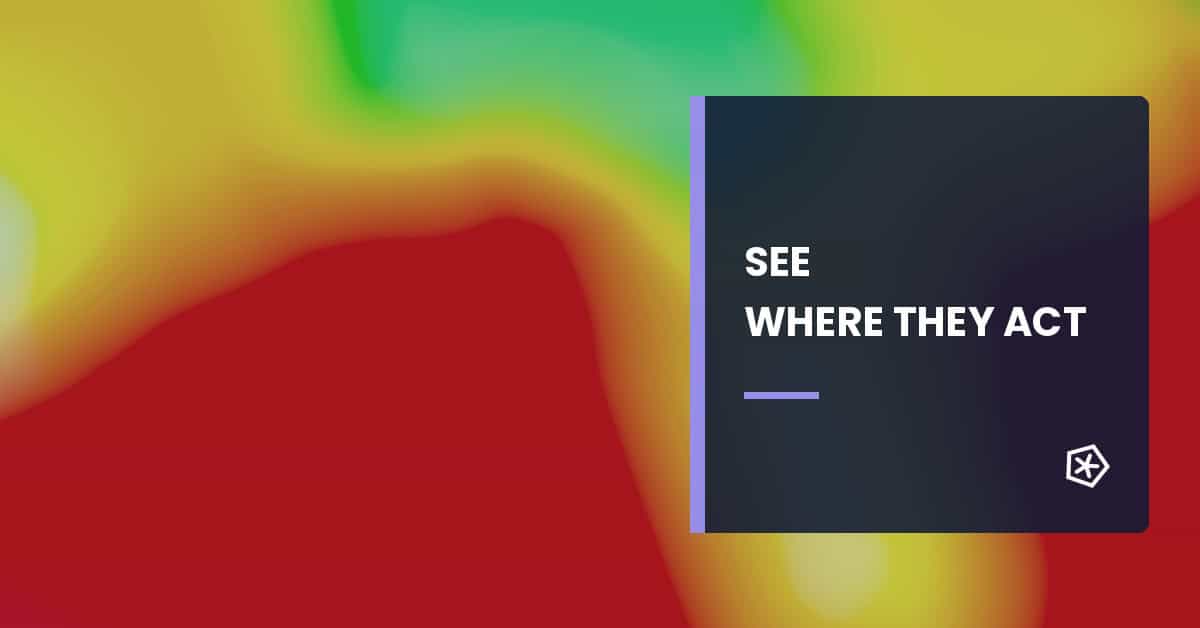
Heat maps are represented with different layers of colors superimposed on a page capture. Normally a range of colors based on thermography is used in which in the areas of greatest interest warm tones such as red, orange or yellow are used, and in areas with less attention cold colors with green or bluish tones are used.4. Heat mapping tools:
Some web analytics tools already incorporate, to a greater or lesser extent, click heat maps: – Google Analytics – Yandex metrika Heatmap-specific tools: – MouseFlow – Inspectlect – Crazy EggFrequently asked questions
What are heat maps in web analytics?
Heat maps are visual representations of user behavior on a page, showing areas with more clicks, scrolling or attention. They help detect patterns that do not always appear in aggregate metrics.
What are heatmaps used for on a website?
They help understand which elements attract attention, which content is ignored, where users click and whether calls to action or forms are well placed.
What types of heat maps exist?
Common types include click maps, scroll maps, movement maps and attention maps. Each type answers different questions about interaction, content visibility and potential friction.
What mistakes should be avoided when interpreting heatmaps?
Avoid conclusions from low traffic, not segmenting by device, ignoring user intent, confusing attention with conversion and applying changes without comparing them with quantitative data.