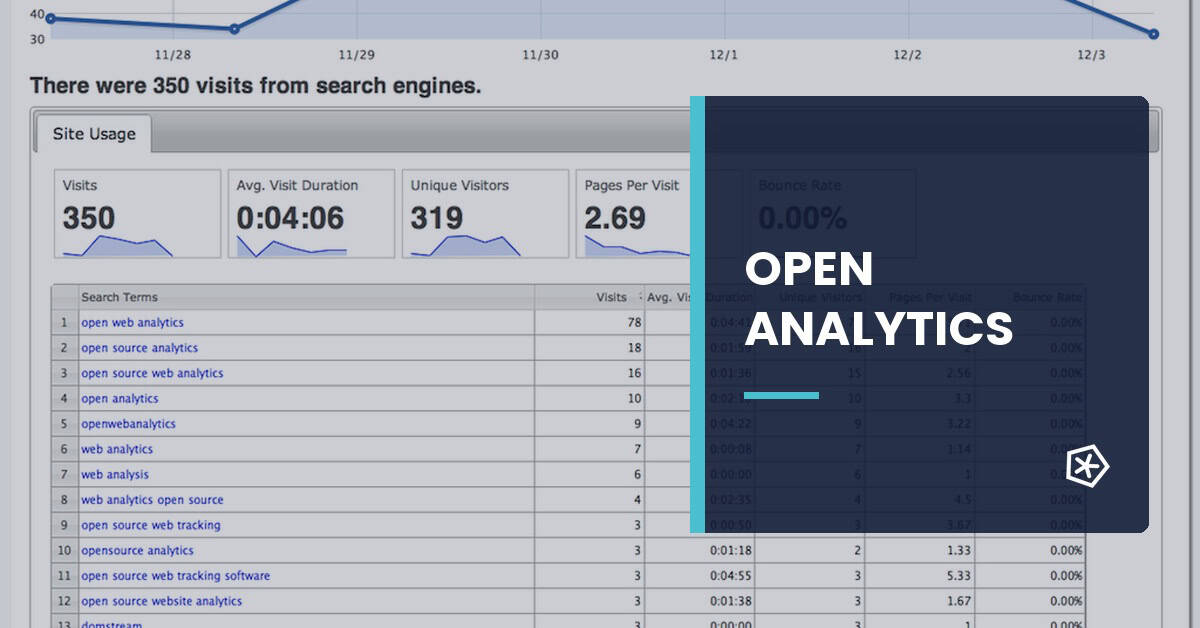
In this blog we have already dedicated several articles to Piwik, the best known Open Source Web Analytics platform, but it is fair that we pay a little attention to other tools with great potential such as Open Web Analytics (OWA).
OWA en is written in PHP and can be installed on a server with MySql databases. Developed by Peter Adams, it has a repository on Github from where you can see the latest updates: https://github.com/padams/Open-Web-Analytics
In terms of performance, in standard measurements (those used by 90% of sites) Open Web Analytics has nothing to envy to those of Google Analytics and can measure, in addition to the usual metrics, mouse movements, page scrolls and pressed keys.
Another advantage is that it brings default support for WordPress.
If you want to see the tool in action, there is a functional demo in http://demo.openwebanalytics.com/. But if you prefer to experiment and check the operation of the tool with all its potential, you can install it on your website with this simple Open Web Analytics tutorial.
1. Installing Open Web Analytics
Índice de contenidos
Installing OWA is very simple, as it only requires uploading the files via FTP and configuring the database.
Steps:
1) Download OWA from the https://github.com/padams/Open-Web-Analytics/tags repository
2) Unzip the file and upload it by FTP to our server, either in a directory or in a subdomain.
3) Install the tool, accessing from our browser to the folder defined in the previous step.
Step 1
We open the installation page from our browser.

Step 2
We fill in the fields related to the database: server, database name, data data data user and password.

Step 3
We add site domain to measure, email and password for the OWA console administrator

Step 4
Nothing else to do… we have already installed OWA and our username will be displayed to access (by default admin) and password.

Step 5
We access the tool with the username and password.

Step 6
We get the tracking code, which we will add on our site directly or in a Google Tag Manager HTML tag.

Summarizing
OWA is an excellent tool for web analytics. Perhaps, the main but that can be put to this tool is that its last version dates from July 2014, and that it does not have a community as large as Piwik.
If you have a concern for web analytics and like to try new things, I’m sure you’ll install it to check the OWA features yourself.
Frequently asked questions
What is Open Web Analytics?
Open Web Analytics is an open-source web analytics tool that measures visits, page views, behavior and conversions on websites or applications with greater technical control.
What is an open-source web analytics tool used for?
It is used to measure digital behavior with more control over installation, data and customization. It can be useful when independence, privacy or technical adaptation are priorities.
How is Open Web Analytics different from Google Analytics?
Open Web Analytics offers code and installation control, while Google Analytics stands out for ecosystem, integrations and broad adoption. The choice depends on technical resources and data requirements.
What should be reviewed before installing Open Web Analytics?
Review maintenance, security, privacy, technical capacity, performance, measurement goals, integration with other systems and legal compliance according to the type of data collected.